
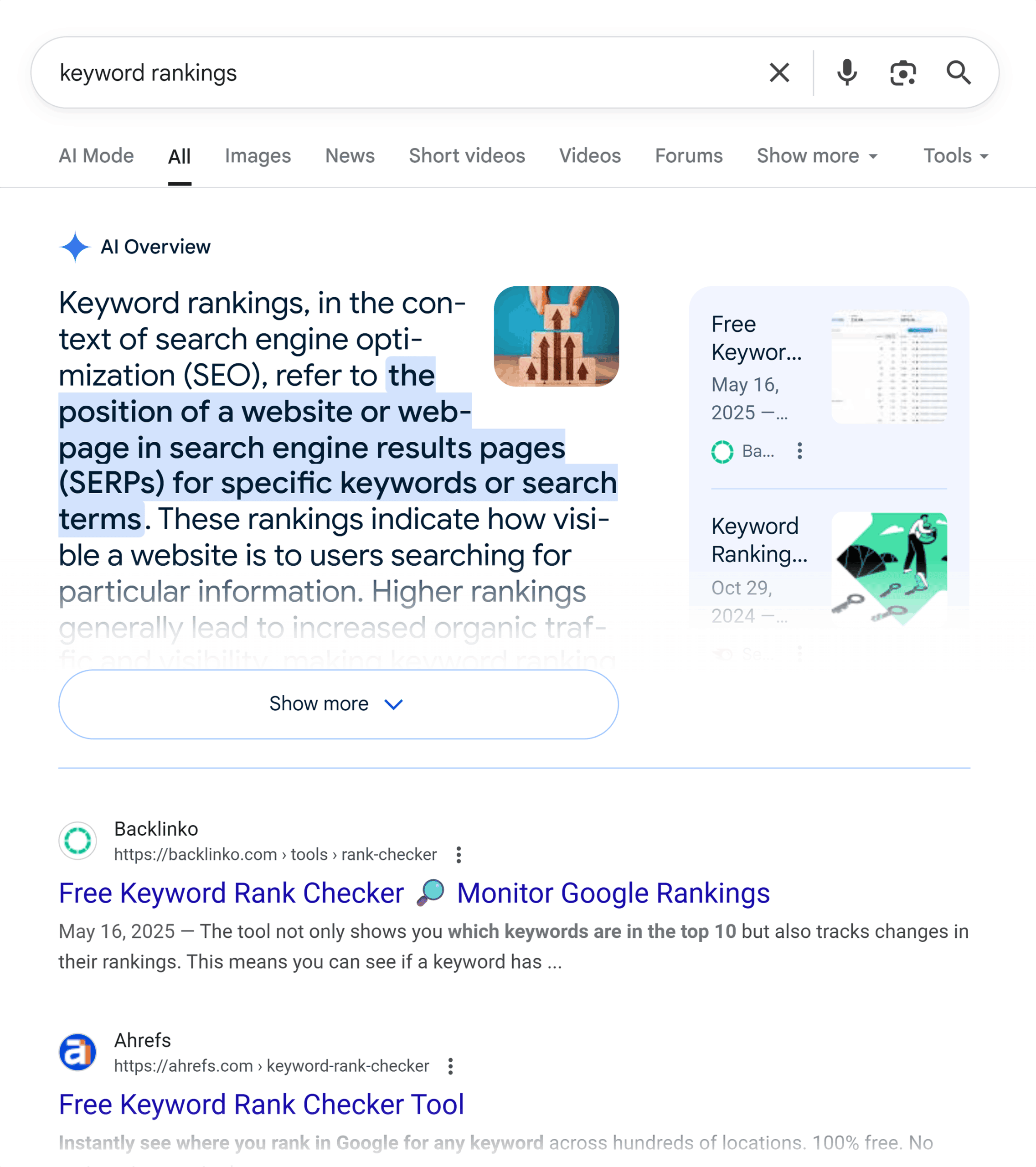
How to Improve Your Website’s Ranking on Google
Getting your website to appear higher in Google search results takes time, useful content, and a site that is easy for people and search engines to understand. There is no guaranteed shortcut to a top ranking, but a focused search engine optimization (SEO) strategy can improve your chances of reaching the right audience.
Use the steps below to build a practical foundation for better visibility in Google Search.
Understand What Your Audience Is Searching For
Start by learning what questions and phrases people use when looking for your products, services, or information. Think about the language your customers use—not just the terms your business uses internally.
Keyword research tools, Google Search suggestions, and the “People also ask” section can help you discover relevant topics. Look for search terms that match your website and the needs of your audience. A highly specific phrase may bring fewer searches than a broad term, but it can attract visitors who are more likely to find your page useful.
Create Helpful, Original Content
Publish content that answers real questions clearly and accurately. A strong page should offer genuine value, not simply repeat keywords or rephrase information found elsewhere.
- Answer the main question near the beginning of the page.
- Include useful details, examples, or steps where appropriate.
- Use clear headings to organize the information.
- Keep content accurate and update it when details change.
- Make sure each page has a distinct purpose.
Write for people first. Search terms can help you understand what a page should cover, but forcing them into every paragraph can make the writing less natural and less useful.
Optimize Page Titles and Descriptions
Each important page should have a clear, descriptive title. The title helps people and search engines understand what the page is about, and it may appear as the clickable headline in search results.
Write a concise meta description that accurately summarizes the page and gives searchers a reason to visit. Google may choose to display different text from the page, so treat the description as a helpful suggestion rather than a guaranteed search-result excerpt.
Avoid using the same title and description across many pages. Each one should reflect the specific content on that page.
Make Your Website Easy to Navigate
A well-organized website helps visitors find what they need and helps search engines discover and understand your pages. Use a logical navigation structure, descriptive menu labels, and links between related pages.
For example, a detailed article about a service can link to the relevant service page, while a service page can link to useful guides or frequently asked questions. Use descriptive link text so visitors know what to expect when they click.
Improve Page Speed and Mobile Usability
Visitors expect pages to load smoothly, especially on mobile devices. A slow or difficult-to-use website can frustrate visitors and make it harder for them to complete tasks.
- Compress large images and use suitable image formats.
- Remove unnecessary scripts, plugins, and page elements.
- Choose reliable hosting and keep your website software updated.
- Check that text, buttons, and navigation work well on small screens.
Google provides tools such as PageSpeed Insights to help identify performance issues. Use the results to find practical improvements, but focus on the overall experience—not just a single score.
Use Descriptive URLs and Image Text
Simple, readable URLs make pages easier to understand and share. Use words that describe the page, and avoid long strings of unnecessary numbers or parameters where possible.
For images, use clear file names and write alternative text when the image communicates important information. Alt text should describe the image’s purpose in context. It is not a place to load keywords.
Earn Relevant Links and Build Credibility
Links from other websites can help people discover your content and may contribute to your site’s visibility. Focus on earning links naturally by publishing useful resources, sharing original research, participating in your industry, and building genuine relationships.
Avoid buying links or using schemes designed to manipulate search rankings. These tactics can violate Google’s spam policies and may harm your site’s performance in search.
Set Up Google Search Console
Google Search Console is a free tool that can help you monitor how your site performs in Google Search. It can show which queries lead visitors to your site, identify some indexing issues, and report technical problems.
Use it to check that important pages can be found and indexed. You can also submit a sitemap, which lists URLs you want search engines to discover. A sitemap does not guarantee that every page will be indexed, but it can support discovery.
Strengthen Local SEO if You Serve a Local Area
If your business serves customers in a specific location, keep your business name, address, phone number, and hours accurate and consistent across your website and business listings. Create useful pages for the areas you serve, but avoid publishing thin pages that differ only by city name.
Ask satisfied customers for honest reviews and respond professionally to feedback. Reviews can help people evaluate a business, although no review strategy can guarantee a particular search position.
Track Progress and Keep Improving
SEO is an ongoing process. Rankings can change as search results, competitors, and user needs change. Track useful measures such as organic clicks, impressions, search queries, leads, and sales—not rankings alone.
Review pages that receive impressions but few clicks, as well as pages that attract visitors but do not meet their needs. Improve the content, clarify the page title, or make the next step easier for visitors. Make changes thoughtfully and allow time to assess their effect.
Common SEO Mistakes to Avoid
- Repeating keywords unnaturally throughout a page.
- Publishing large amounts of thin or duplicate content.
- Hiding text or creating pages solely to manipulate rankings.
- Ignoring mobile visitors and technical errors.
- Expecting quick results or guaranteed rankings.
Conclusion
To improve your website’s ranking on Google, make it genuinely useful, technically accessible, and easy to navigate. Research what your audience needs, create original content, optimize important pages, and use tools such as Google Search Console to guide your work.
Consistent improvements are more dependable than quick fixes. Focus on serving visitors well, follow Google’s published guidance, and measure results over time.
Top 5 FAQs on Boosting Your Website’s Google Ranking
- How do I get my website to rank higher on Google?
- How do I increase my Google page rank?
- How can I boost my website on Google?
- Can I pay Google to rank my website higher?
- How do I create a website using Google?
How do I get my website to rank higher on Google?
To help your website rank higher on Google, publish original, useful content that answers the questions your audience is searching for, and make each page easy to navigate on desktop and mobile. Use clear page titles and headings, descriptive URLs, and relevant internal links, while improving site speed and fixing indexing issues with Google Search Console. Earn reputable links naturally by creating content worth sharing, and update important pages as information changes. SEO takes time, and no tactic can guarantee a specific position, so track organic traffic and conversions and keep improving based on what you learn.
How do I increase my Google page rank?
To improve your website’s visibility in Google Search, publish helpful, original content that matches what people are looking for, make pages fast and mobile-friendly, and organize your site with clear navigation and descriptive titles. Earn relevant links naturally by creating resources others find worth referencing, and use Google Search Console to check indexing and monitor search performance. SEO takes time, and no tactic can guarantee a particular ranking, so focus on consistently improving the experience for visitors.
How can I boost my website on Google?
To boost your website on Google, publish helpful, original content that answers what your audience is searching for, and use clear page titles, headings, and descriptive links. Make sure your site loads quickly, works well on mobile devices, and is easy for visitors and search engines to navigate. Google Search Console can help you monitor performance and spot indexing issues. SEO takes time, so focus on steady improvements rather than shortcuts or guaranteed-ranking promises.
Can I pay Google to rank my website higher?
No. You can’t pay Google to improve your website’s position in unpaid organic search results. Google Ads can place your ads in sponsored spots, but those placements are separate from organic rankings and don’t directly boost them. To improve organic visibility, focus on useful content, a technically sound website, and SEO practices that follow Google’s guidelines.
How do I create a website using Google?
You can create a basic website using Google Sites by choosing a template, adding pages and content, and publishing it with a Google account. Use clear page titles, helpful original information, and links that make the site easy to navigate. If you use a custom domain, connect it through your domain provider. Creating a site with Google does not automatically improve its Google ranking; visibility depends on factors such as the usefulness of the content, how well the site serves visitors, and whether Google can find and index its pages.