
Creating a website can seem like a daunting task, especially for those who are not familiar with coding or web design. However, with the right tools and resources, designing a website can be easier than you think.
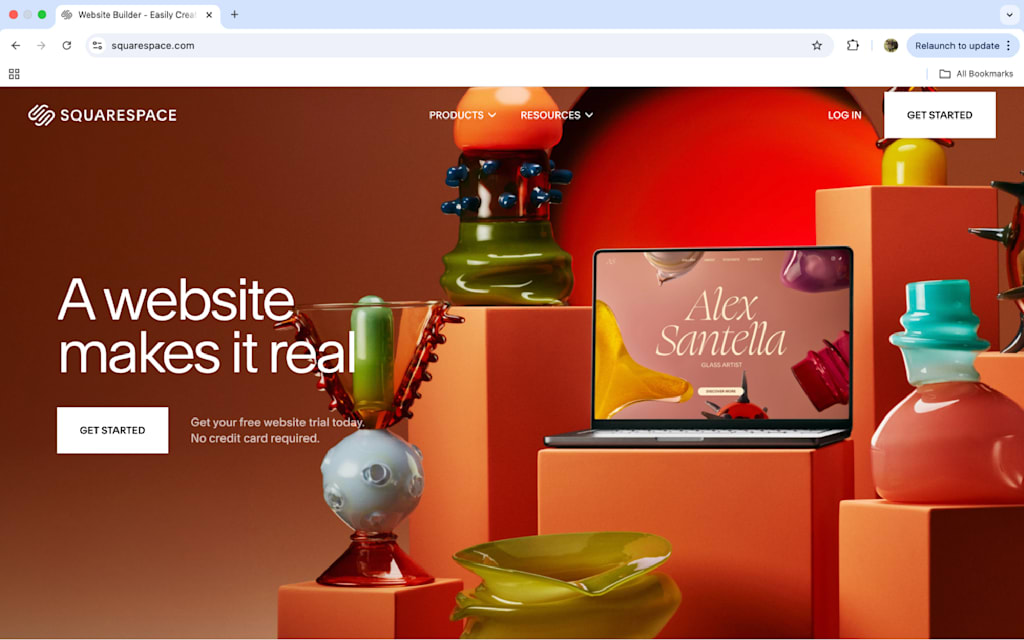
One of the most user-friendly ways to design a website is by using website builders such as Wix, Squarespace, or WordPress. These platforms offer drag-and-drop functionality, allowing you to easily place elements like text, images, and videos on your site without any coding knowledge required.
Another option for easy website design is to use pre-designed templates. Many website builders and content management systems offer a variety of templates that you can customize to fit your needs. Simply choose a template that aligns with your vision for your website and make adjustments to colors, fonts, and layout as needed.
When designing your website, it’s important to keep the user experience in mind. Make sure your site is easy to navigate by organizing content logically and providing clear calls-to-action. Additionally, ensure that your site is mobile-responsive so that it looks great on any device.
In conclusion, designing a website doesn’t have to be complicated. With the help of user-friendly tools like website builders and templates, you can create a professional-looking site with ease. By focusing on usability and responsiveness, you can ensure that your website provides a positive experience for visitors while effectively communicating your message or brand.
8 Essential Tips for Effortless and Effective Website Design
- Keep the design simple and clean.
- Use a consistent color scheme and fonts.
- Ensure easy navigation with a clear menu structure.
- Optimize images for fast loading times.
- Make sure your website is mobile-responsive.
- Include plenty of white space to avoid clutter.
- Use high-quality visuals to enhance the design.
- Test your website across different browsers for compatibility.
Keep the design simple and clean.
When it comes to easy website design, one key tip is to keep the design simple and clean. By minimizing clutter and focusing on a clean layout, you can create a more visually appealing and user-friendly website. A simple design allows visitors to easily navigate your site, find the information they need, and engage with your content without distractions. Additionally, a clean design can help improve loading times and overall site performance, enhancing the user experience. Remember, less is often more when it comes to creating an effective and easy-to-use website design.
Use a consistent color scheme and fonts.
Using a consistent color scheme and fonts is a crucial tip for easy website design. By selecting a cohesive palette of colors and a set of complementary fonts, you can create a visually appealing and harmonious look for your website. Consistency in design elements helps establish brand identity, enhances readability, and improves overall user experience. When visitors encounter a website with consistent colors and fonts throughout, it creates a sense of cohesion and professionalism, making the site more aesthetically pleasing and easier to navigate.
Ensure easy navigation with a clear menu structure.
When aiming for easy website design, it is crucial to prioritize user experience by ensuring easy navigation with a clear menu structure. A well-organized menu helps visitors quickly find the information they are looking for, enhancing their browsing experience and keeping them engaged on your site. By categorizing content logically and using descriptive labels for menu items, you can guide users seamlessly through your website, making it effortless for them to explore different sections and access important pages. Clear navigation not only improves usability but also contributes to a positive first impression of your site, ultimately leading to higher visitor satisfaction and retention.
Optimize images for fast loading times.
Optimizing images for fast loading times is a crucial tip for easy website design. Large, unoptimized images can slow down your website’s loading speed, leading to a poor user experience and potentially higher bounce rates. By resizing and compressing images before uploading them to your site, you can significantly improve loading times without compromising on visual quality. This simple yet effective step not only enhances the performance of your website but also ensures that visitors can access your content quickly and seamlessly.
Make sure your website is mobile-responsive.
Ensuring that your website is mobile-responsive is a crucial tip for easy website design. With the increasing number of users accessing websites on their mobile devices, it’s essential that your site looks and functions well on smartphones and tablets. A mobile-responsive design adapts to different screen sizes, providing a seamless user experience across all devices. By prioritizing mobile responsiveness, you can reach a wider audience and improve user engagement on your website.
Include plenty of white space to avoid clutter.
When designing a website, it is important to include plenty of white space to avoid clutter. White space, also known as negative space, helps create a sense of balance and allows elements on the page to stand out. By incorporating ample white space between text, images, and other elements, you can enhance readability and make your website visually appealing. Avoiding clutter not only improves the overall aesthetic of your site but also helps guide visitors’ focus to key information or calls-to-action. Remember, less is often more when it comes to effective website design.
Use high-quality visuals to enhance the design.
Incorporating high-quality visuals is a key tip for enhancing the design of your website. Visually appealing images, graphics, and videos not only make your site more engaging and attractive to visitors but also help convey your brand’s message effectively. By using high-quality visuals that are relevant to your content, you can create a professional and polished look for your website that leaves a lasting impression on users. Remember to optimize your visuals for web use to ensure fast loading times and a seamless user experience.
Test your website across different browsers for compatibility.
Testing your website across different browsers is a crucial step in ensuring a seamless user experience for all visitors. Each web browser interprets code differently, which can lead to discrepancies in how your website appears and functions. By testing your website on popular browsers such as Chrome, Firefox, Safari, and Edge, you can identify any compatibility issues and make necessary adjustments to ensure that your site looks and works as intended for all users. This simple yet important tip can help you reach a wider audience and provide a consistent browsing experience across various platforms.