
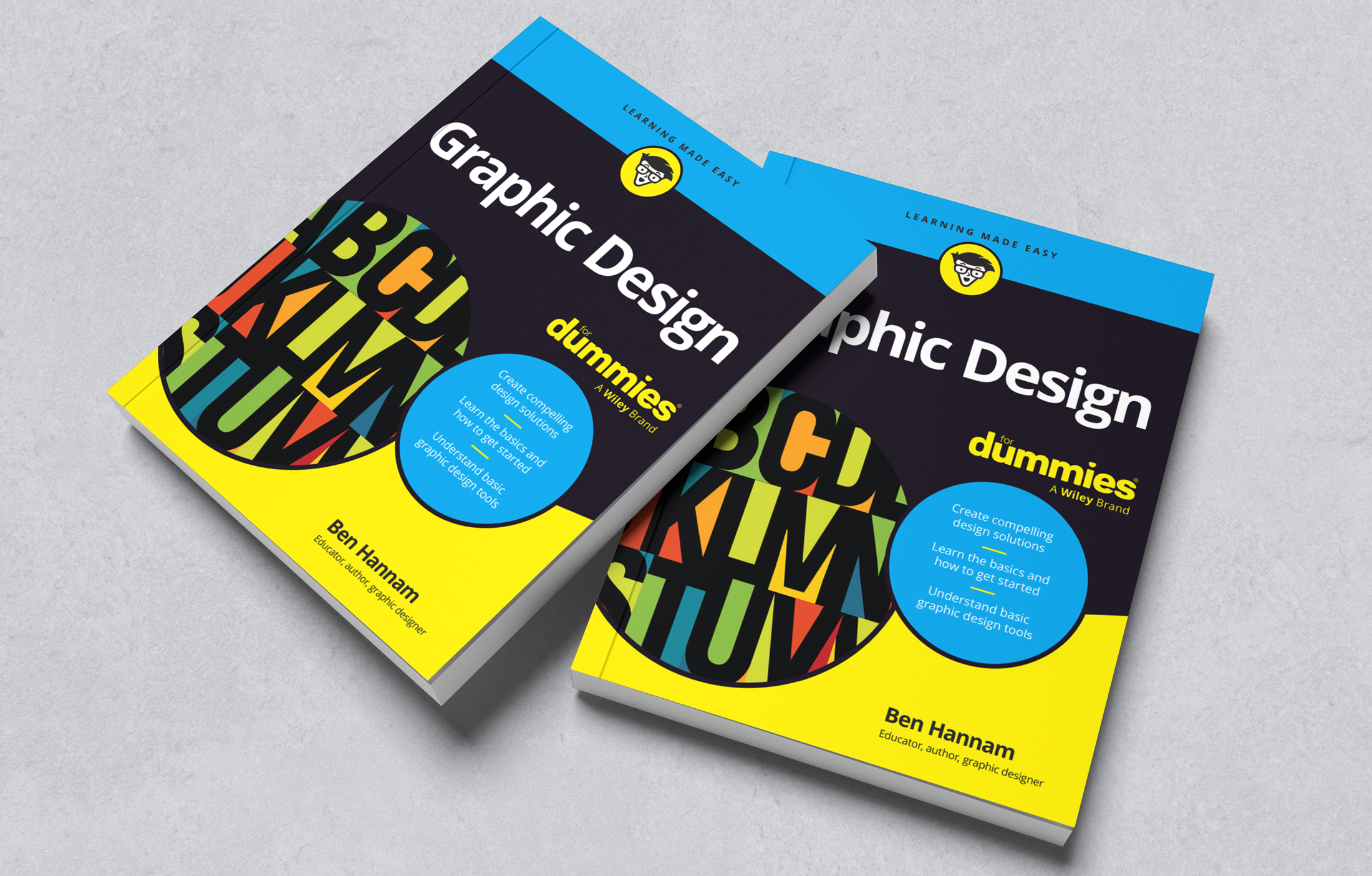
Web design for dummies is a beginner-friendly guide to creating visually appealing and functional websites. Whether you’re new to web design or looking to refresh your skills, this article will cover the basics to help you get started.
**Understanding HTML:**
HTML, or HyperText Markup Language, is the foundation of web design. It consists of tags that define the structure and content of a web page. For example,
tags are used for headings,
tags for paragraphs, and tags for links.
**CSS Styling:**
CSS, or Cascading Style Sheets, is used to control the visual presentation of a website. You can use CSS to change colors, fonts, layout, and more. By linking your CSS file to your HTML document using the tag in the
section, you can style your website consistently across all pages.**Responsive Design:**
With the increasing use of mobile devices, it’s essential to create websites that are responsive and adapt to different screen sizes. Using CSS media queries, you can adjust the layout of your website based on the device viewing it. This ensures a seamless user experience on desktops, tablets, and smartphones.
**Choosing Fonts and Colors:**
Selecting the right fonts and colors can greatly impact the look and feel of your website. Consider using web-safe fonts like Arial or Times New Roman to ensure consistency across different browsers. Use color palettes that complement each other and enhance readability.
**Adding Images and Multimedia:**
Images and multimedia elements can make your website more engaging. Use the tag to insert images into your web pages and optimize them for fast loading times. You can also embed videos from platforms like YouTube by using iframe tags.
**Testing Your Website:**
Before launching your website, it’s crucial to test it across different browsers and devices to ensure compatibility. Tools like Google Chrome Developer Tools or online validators can help identify any errors or issues that need fixing.
By following these basic principles of web design, even beginners can create attractive and functional websites. Remember to practice regularly and stay updated on current trends in web design to continue improving your skills.
9 Essential Web Design Tips for Beginners
- Choose a clean and easy-to-read font for your website.
- Use high-quality images that are relevant to your content.
- Ensure your website is mobile-friendly for users on smartphones and tablets.
- Keep the layout simple and organized to improve user experience.
- Include clear navigation menus to help visitors find information easily.
- Optimize your website’s loading speed by minimizing large files and unnecessary elements.
- Consistent branding with colors and logos can make your site more memorable.
- Test your website across different browsers to ensure compatibility.
- Regularly update and maintain your website to keep content fresh and relevant.
Choose a clean and easy-to-read font for your website.
When designing a website, it is essential to choose a clean and easy-to-read font to enhance the overall user experience. Opting for a simple and legible font ensures that visitors can easily consume the content without straining their eyes. Fonts like Arial, Helvetica, or Open Sans are popular choices for web design as they offer excellent readability across different devices and screen sizes. By selecting a clear and straightforward font, you can make your website more accessible and visually appealing to a wider audience.
Use high-quality images that are relevant to your content.
When designing a website, it’s essential to use high-quality images that are relevant to your content. Visually appealing and contextually appropriate images can enhance the overall look and feel of your website, capturing the attention of your visitors and conveying your message effectively. By incorporating high-quality images that align with your content, you can create a more engaging and memorable user experience, ultimately helping to establish a strong visual identity for your website. Remember, a picture is worth a thousand words, so choose your images wisely to make a lasting impression on your audience.
Ensure your website is mobile-friendly for users on smartphones and tablets.
One crucial tip in web design for dummies is to ensure that your website is mobile-friendly for users on smartphones and tablets. With the increasing use of mobile devices for browsing the internet, it’s essential to create a responsive design that adapts to different screen sizes. By implementing CSS media queries and optimizing your layout and content for mobile viewing, you can provide a seamless user experience across all devices. This not only improves usability but also helps with search engine rankings, as Google prioritizes mobile-friendly websites in search results.
Keep the layout simple and organized to improve user experience.
One essential tip in web design for dummies is to keep the layout simple and organized to enhance the user experience. By maintaining a clean and intuitive design, visitors can easily navigate your website and find the information they need efficiently. Utilize whitespace effectively, use clear headings and subheadings, and ensure a logical flow of content to guide users through your site seamlessly. A clutter-free layout not only improves user experience but also makes your website visually appealing and professional.
Include clear navigation menus to help visitors find information easily.
An essential tip in web design for beginners is to include clear navigation menus to help visitors find information easily. Navigation menus serve as roadmaps for users, guiding them through the website and allowing them to access different pages effortlessly. By organizing menu items logically and using descriptive labels, you can enhance user experience and ensure that visitors can quickly locate the content they are looking for. Clear navigation menus not only improve usability but also contribute to the overall effectiveness of a website in engaging and retaining visitors.
Optimize your website’s loading speed by minimizing large files and unnecessary elements.
To improve your website’s performance, it’s crucial to optimize its loading speed by minimizing large files and unnecessary elements. By reducing the size of images, videos, and other media files through compression techniques, you can significantly decrease loading times. Additionally, eliminating unnecessary plugins, scripts, and code snippets can streamline your website and enhance its overall speed and user experience. Prioritizing loading speed not only benefits visitors but also boosts your site’s search engine ranking, making it a key aspect of successful web design for beginners.
Consistent branding with colors and logos can make your site more memorable.
Ensuring consistent branding with colors and logos can significantly enhance the memorability of your website. By using a cohesive color scheme that reflects your brand identity and incorporating your logo strategically throughout the site, you create a visual connection that reinforces brand recognition. This consistency not only makes your website more visually appealing but also helps establish a strong and lasting impression on visitors, ultimately contributing to a more memorable and impactful online presence.
Test your website across different browsers to ensure compatibility.
Testing your website across different browsers is a crucial step in web design for dummies. Each browser interprets HTML and CSS code differently, which can lead to variations in how your website appears and functions. By testing your website on popular browsers like Google Chrome, Mozilla Firefox, Safari, and Microsoft Edge, you can ensure that it looks and works as intended for all users. Identifying and fixing compatibility issues early on will help provide a seamless user experience and increase the accessibility of your website across different platforms.
Regularly update and maintain your website to keep content fresh and relevant.
Regularly updating and maintaining your website is crucial to ensure that your content remains fresh and relevant to your audience. By consistently adding new information, blog posts, or products, you not only keep visitors engaged but also improve your search engine rankings. Updating your website also helps to reflect any changes in your business, such as new services or promotions, and shows that you are active and invested in providing value to your users. Make it a priority to review and refresh your content regularly to keep your website current and appealing to both new and returning visitors.